
Tap to Pay on iPhone

Accept in-person contactless payments using just an iPhone.
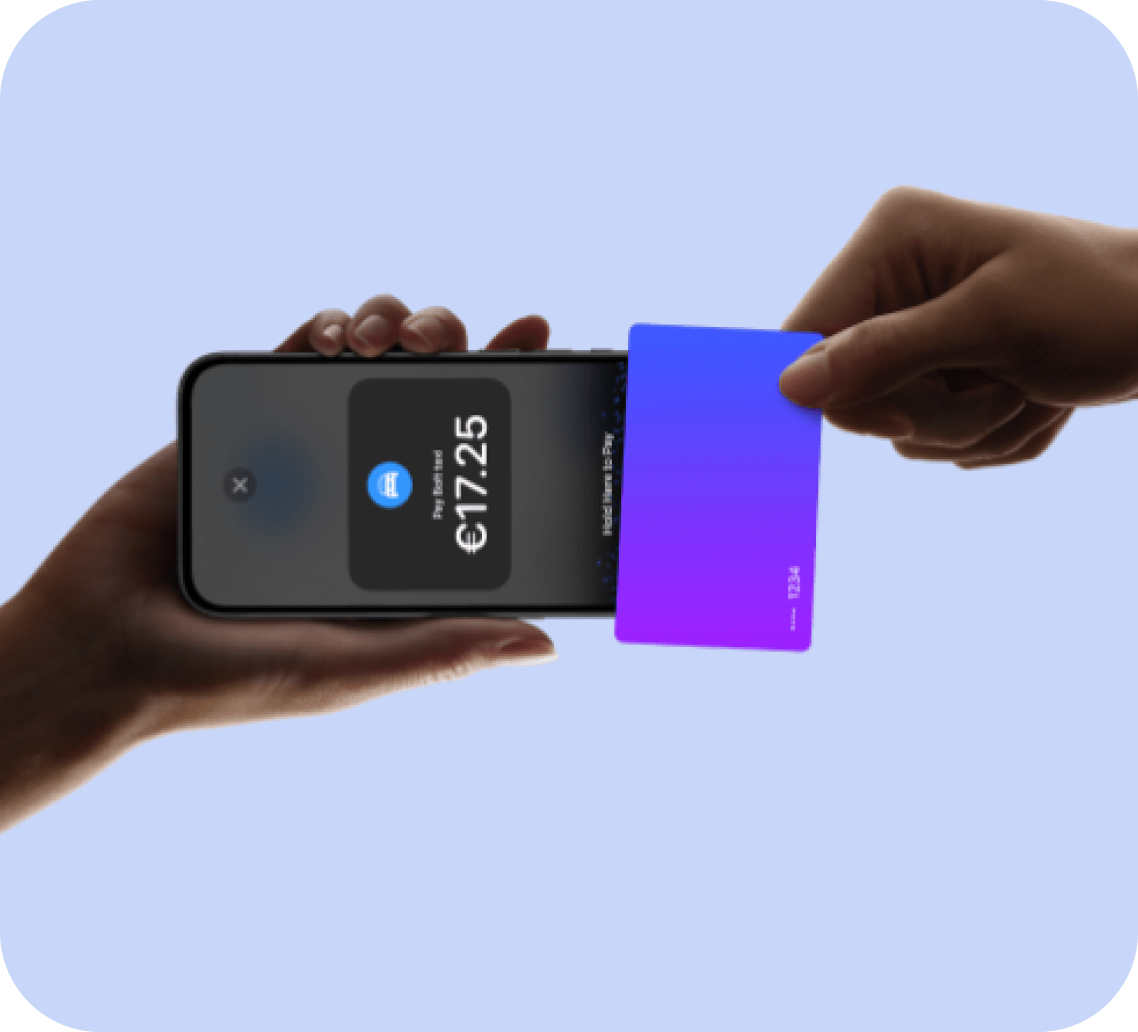
image (53)-min
No additional
hardware required

All you need is an iPhone Xs or later and the latest version of iOS.

Accept contactless payments using just an iPhone.

From physical credit cards, debit cards, Apple Pay and other digital wallets.

Accepting payments is easy

Download or open the Klearly app on your iPhone and enter the purchase amount.

Present your phone to the customer.

Your customer holds their card horizontally at the top of your iPhone , over the contactless symbol.

When you see the 'Done' check mark , the card reading is complete and the transaction is processed.

Accept payments, now with the security of iPhone.

Tap to Pay on iPhone uses iPhone’s built-in security and privacy features to help keep your customers’ data private and secure.

When a payment is processed, Apple doesn’t store card numbers or PIN information on the device or on Apple servers, so you can rest assured that your business remains yours.
LVR05565 1

Question and Answer

Which devices does Tap to Pay on iPhone work with?

Tap to Pay on iPhone requires an iPhone XS or later, running iOS 16.4 or later.

Which operating systems can Tap to Pay use on iPhone?
Does using Tap to Pay on iPhone affect my device's battery life?
What payment types can I accept with Tap to Pay on iPhone?
Where are the payments I accept with Tap to Pay on iPhone deposited?
Does Tap to Pay on iPhone support transactions that require a PIN?
How do I enable accessibility options for PIN code entry?
How do I keep my device secure when a customer enters their PIN?
Can I change my business name in the Tap to Pay on iPhone interface?
What business information is associated with Tap To Pay on iPhone?
How do I unlink Tap to Pay on iPhone and my Apple ID?
When a customer taps their card, the interface shows an error message 'Try another card' or 'Cannot read card'. What does this mean?
What if a contactless payment card is not read?
Why do you need my personal and business information to register a Klearly account?
What are the bank account requirements?
Is Klearly safe to use?
Which payment cards are supported by Klearly?
What happens if my transaction fails?
How do refunds work?
How long does it take for the money to appear in my bank account?

Try it today

Your volume is higher than 20K a month?

Keep your device, or get a new one rom Klearly

  • Group 40300

    5 minutes onboarding process

  • Group 40300

    4G and Wifi supported

portrait-young-businesswoman-her-own-cafe-manager-standing-near-entrance-inviting-you 1-min